
Mission Computer: The Brains Behind Automated Systems
Mission Computer: The Brains Behind Automated Systems
I was at a defense tech conference last year, and a systems engineer pulled up a diagram of a modern fighter jet’s mission computer architecture. My first thought? “That’s more processing power than most people have in their entire house.” These machines are doing an absurd amount of work behind the scenes, and most people have no idea they even exist.
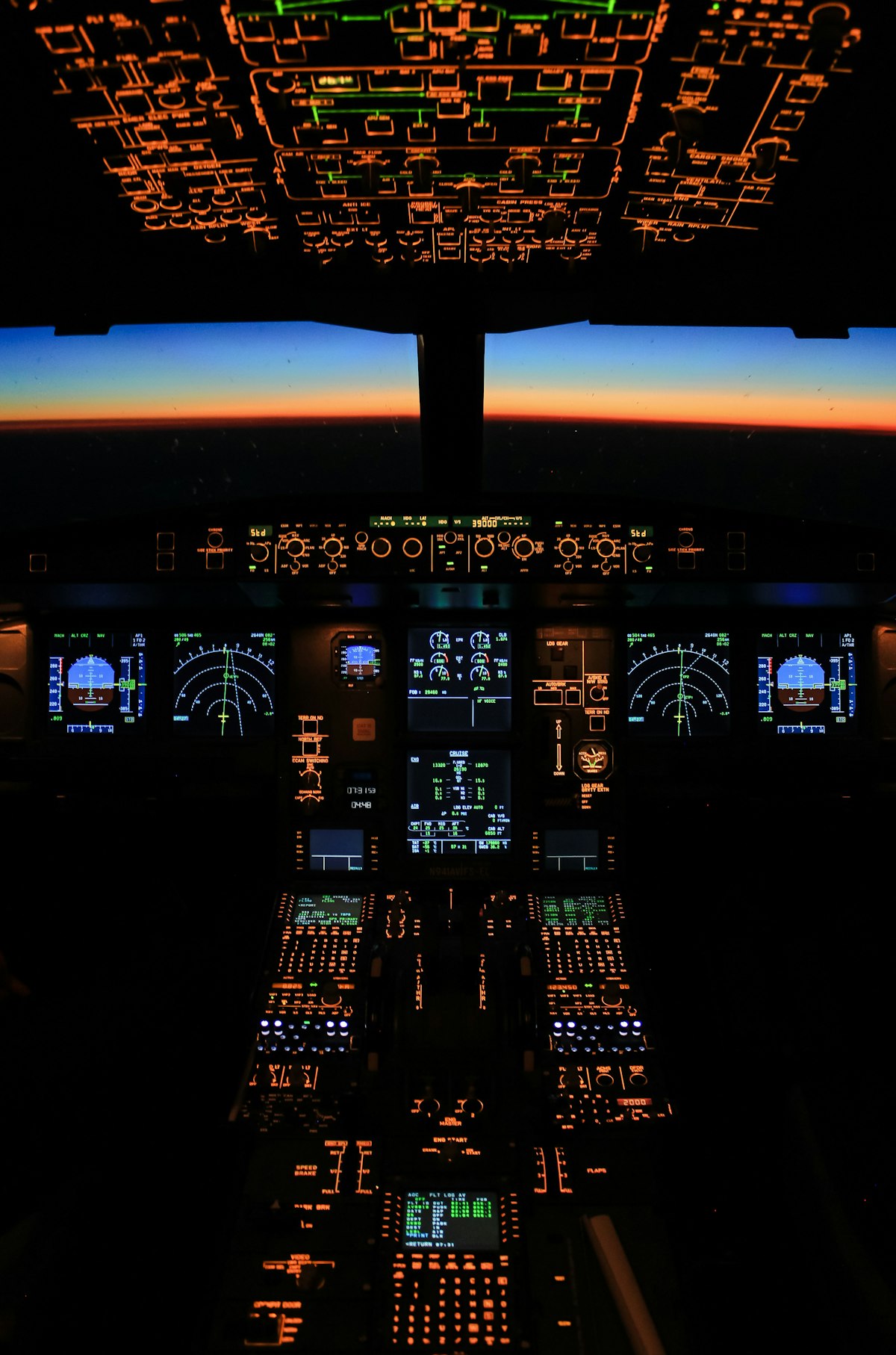
Types of Mission Computers
Not all mission computers are created equal. Different environments demand different designs, and the engineers who build these things have to think about factors most of us never consider.
- Aerospace: These handle navigation, communication, and weapons systems in aircraft. They’re processing data from dozens of sensors simultaneously while pilots make split-second decisions. No pressure, right?
- Maritime: Used in ships and submarines, these focus on navigation, sonar processing, and combat systems. Operating underwater adds a whole extra layer of challenges that surface systems don’t have to deal with.
- Ground Vehicles: Found in both military and commercial vehicles, managing everything from engine control to advanced battlefield management. Modern military vehicles are basically rolling data centers at this point.
- Space Exploration: These are the ones that keep spacecraft on course, maintain communication with Earth, and collect data during missions. When you’re millions of miles from the nearest repair shop, reliability isn’t optional.
Components of a Mission Computer
- Processor: The CPU is the heart of the operation. We’re talking high-performance chips that can handle real-time processing without breaking a sweat. Milliseconds matter when you’re flying at Mach 2.
- Memory: RAM handles the temporary data — the stuff that needs to be accessed right now. ROM stores the critical data that absolutely cannot be changed or lost. Both are sized for the worst-case scenario, not the average day.
- Input/Output (I/O) Interfaces: These let the mission computer talk to everything else — sensors, displays, other systems, you name it. Think of them as the translators in a room full of people speaking different languages.
- Power Supply: Keeps everything running with stable, clean power. A power hiccup in a mission computer could mean a lot more than a blue screen of death.
- Cooling System: All that processing generates heat. Lots of it. The cooling system prevents things from getting too toasty, which is especially fun in environments like a desert or the inside of a jet engine nacelle.
Functions and Capabilities
So what do these things actually do all day? Quite a bit, as it turns out.
- Data Processing: They collect and crunch huge amounts of data from sensors, radars, cameras, and other inputs. The raw information flowing in would be meaningless without a mission computer turning it into something actionable.
- Real-Time Decision Making: Based on the processed data, these systems make quick calls — sometimes faster than a human could. We’re talking threat assessment, route adjustments, system diagnostics, all happening in real time.
- System Integration: They tie together subsystems that would otherwise operate in isolation. Navigation talks to weapons. Sensors talk to displays. Everything works as one coordinated unit.
- Control: They send commands to other systems — adjust this, activate that, shut down the other thing. They’re the boss, basically.
- Communication: They keep information flowing between different systems and the human operators who need to know what’s happening. Good communication architecture can be the difference between a successful mission and a messy one.
Applications
Mission computers show up in more places than you might expect.
- Defense: This is the big one. Modern warfare runs on data, and mission computers are at the center of everything from logistics planning to active combat operations.
- Aviation: Commercial airlines use them to improve navigation, communication, and flight safety. Next time you’re on a smooth flight, tip your hat to the mission computer working quietly in the background.
- Space Exploration: NASA, ESA, and other space agencies depend on these for everything that matters during a mission. When you can’t just “turn it off and on again,” the computer better work the first time.
- Maritime: Modern ships are packed with sensors and systems that all need to coordinate. Mission computers make that happen without the crew having to manually manage every single input.
- Automotive: Advanced driver-assistance systems (ADAS) and autonomous vehicles rely on mission-computer-style processing. Your car’s lane-keeping assist? That’s a distant cousin of a fighter jet’s mission computer.
Technological Advancements
The tech powering these systems keeps getting better, and some of the newer developments are genuinely exciting.
- Artificial Intelligence (AI): AI is making mission computers smarter at decision-making and pattern recognition. Instead of just following pre-programmed rules, they can adapt to situations they’ve never encountered before.
- Machine Learning (ML): Related to AI but worth calling out separately — ML lets systems improve over time by learning from data patterns. A mission computer that gets better with each mission? That’s powerful stuff.
- Internet of Things (IoT): More sensors means more data, and IoT connectivity makes it possible to pull information from sources that used to be completely isolated.
- Cybersecurity: As these systems get more connected, they also become bigger targets. Protecting mission computers from cyber threats is a whole field unto itself, and it’s growing fast.
- Blockchain: Still emerging in this space, but the idea of using blockchain for secure, tamper-proof data management in mission-critical systems has some real potential.
Key Manufacturers
- BAE Systems: A heavyweight in aerospace and defense, with mission computers deployed across multiple platforms worldwide.
- Northrop Grumman: Known for pushing boundaries in aviation and military technology. Their mission computing work is top-tier.
- Honeywell: A leader in aerospace systems that also does a lot of work in automation and control solutions beyond just military applications.
- Thales: A French company offering broad solutions for aerospace, transportation, and defense. Their systems show up in a surprising number of places.
- Rockwell Collins: Now part of Collins Aerospace, they’ve been specializing in communication and avionics systems for decades.
Challenges and Future Directions
Even with all the progress, mission computers still face some real hurdles.
- Complexity: These systems keep getting more capable, which means they also keep getting more complex. Writing software for a mission computer isn’t like building a web app — the stakes are astronomically higher.
- Reliability: When a mission computer fails, people can get hurt. The reliability standards are extreme, and meeting them isn’t cheap or easy.
- Security: Cyber attacks on military and aerospace systems are a real and growing threat. Staying ahead of the bad guys requires constant vigilance and investment.
- Cost: Development and maintenance don’t come cheap. These are specialized, low-volume systems built to the highest standards. That adds up fast.
- Interoperability: Getting systems from different manufacturers and different eras to work together smoothly is an ongoing challenge. Legacy systems don’t always play nice with new tech.
Looking ahead, the continued integration of AI, IoT, and advanced networking will keep pushing mission computers forward. There’s a lot of work happening to improve reliability while bringing costs down, and the increasing appetite for automation across industries means demand isn’t slowing anytime soon. If anything, we’re just getting started.
Recommended Aviation Gear
David Clark H10-13.4 Aviation Headset – $376.95
The industry standard for aviation headsets.
Pilots Handbook of Aeronautical Knowledge – $25.42
Essential FAA handbook for every pilot.
As an Amazon Associate, we earn from qualifying purchases.




Stay in the loop
Get the latest aviate ai updates delivered to your inbox.