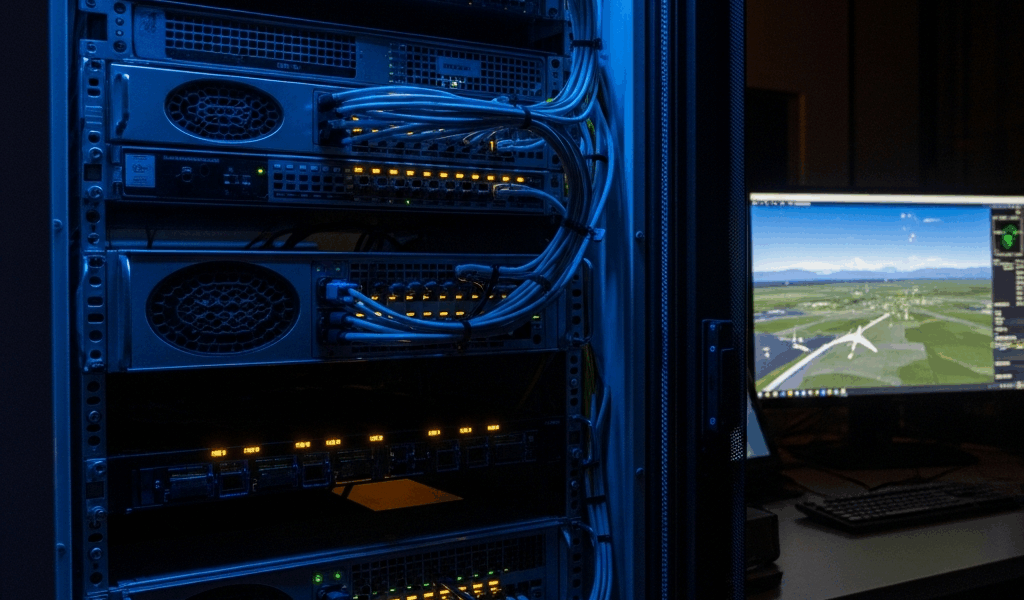
Short answer: “MARS server provider” is not the name of a standard aviation-cloud product category. The phrase can point to three very different things: an older networking protocol called a Multicast Address Resolution Server, a commercial hosting company named Mars Servers, or NASA’s Mars Relay Operations Service (MaROS). Those are not interchangeable.
This distinction matters because a search for the phrase can otherwise produce confident but incorrect comparisons of ordinary GPU-cloud companies, Mars communications systems, and legacy ATM networking. There is no sound basis for ranking generic cloud vendors as “MARS providers” without first defining which meaning and workload the buyer actually has.
What does “MARS server” mean?
| Possible meaning | What it actually is | Who it is relevant to |
|---|---|---|
| Multicast Address Resolution Server (MARS) | A component defined for IP multicast over ATM networks in IETF RFC 2022 | Engineers maintaining or studying legacy ATM networking |
| Mars Servers | The name of a commercial dedicated-server and managed-hosting company | Organizations evaluating that company as a hosting vendor |
| Mars Relay Operations Service (MaROS) | A NASA server-and-database system used to coordinate participants in the Mars Relay Network | Mars missions and approved relay-network participants |
If someone uses “MARS server provider” in a proposal or procurement request, ask them to spell out the acronym and desired service before comparing vendors. Capitalization alone does not resolve the ambiguity.
Meaning 1: Multicast Address Resolution Server
The formal networking meaning comes from IETF RFC 2022, published in 1996. In that architecture, a Multicast Address Resolution Server maintains mappings between Layer 3 multicast groups and the ATM interfaces belonging to those groups. An endpoint queries the MARS to learn which ATM endpoints should receive traffic.
This MARS belongs to the era of Asynchronous Transfer Mode (ATM) networking. It is not an aviation telemetry standard, a modern GPU-hosting tier, or a label that qualifies a public-cloud company for flight operations. RFC 2149 separately describes multicast-server architectures that work with the RFC 2022 system, which adds another easy source of confusion: a MARS and a multicast server (MCS) have different roles.
An organization that genuinely operates this technology would normally be looking for ATM-networking expertise, compatible software or support for an existing system—not a list of general-purpose cloud hosts. Buyers should identify the deployed ATM equipment, RFC implementation, redundancy requirements, and migration plan before seeking outside support.
Meaning 2: Mars Servers, the hosting company
Mars Servers is also a brand name. Its website markets dedicated servers, managed hosting, global data-center deployment, infrastructure design, monitoring, backups, security hardening, and technical support. Those are the company’s own published claims; the name does not indicate a special connection to aviation, the planet Mars, NASA’s relay network, or the IETF protocol.
If this is the company a searcher means, evaluate it as a hosting supplier. Request a written quote and contract rather than relying on unsourced prices or performance numbers in a third-party article. Verify the exact data-center location, hardware, network commit, bandwidth charges, support scope, backup responsibility, recovery objectives, uptime remedy, and exit procedure.
A claimed service-level percentage is only one input. Ask how availability is measured, which outages are excluded, and what credit is available when the commitment is missed. Security and compliance claims should be tied to current, independently verifiable reports or certificates whose scope covers the service being purchased.
Meaning 3: NASA’s Mars Relay Operations Service
For space communications, the closest real operational term is MaROS, not a commercial category of “MARS cloud providers.” NASA’s 2025 Mars Relay Network Participation Guide describes MaROS as a server and database that provides a common interface for participants to exchange relay planning and coordination data.
The broader Mars Relay Network is an international constellation of orbiters that relays data from surface missions such as Curiosity and Perseverance to Earth. Surface spacecraft can communicate with nearby orbiters without carrying the larger, more power-hungry radios needed for a direct high-rate Earth link.
NASA’s participation guide discusses relay service providers in the context of spacecraft providing relay services, not web-hosting companies selling server instances. Access to MaROS and participation in the network follow mission-planning and technical processes. A normal business cannot buy a MaROS instance from a cloud comparison page.
Where Delay/Disruption Tolerant Networking fits
Space links experience long delays, scheduled contact windows, and disruptions, so ordinary assumptions about a continuously available end-to-end path do not hold. NASA’s Delay/Disruption Tolerant Networking overview explains the store-and-forward approach: a node can retain data until the next link becomes available and then forward it.
NASA identifies DTN as a foundation for internet-like communication beyond Earth. The Mars Relay Network guide says NASA is working on MaROS’s role in a future DTN-enabled network, including contact opportunities and routing plans. That is the evidence-based connection among Mars, servers, and relay networking. It should not be replaced with invented latency thresholds, GPU seat counts, or “aviation-adjacent” certifications.
How aviation and aerospace teams should specify a real server requirement
An aviation or aerospace team may still need cloud, edge, or dedicated infrastructure. The useful approach is to describe the workload instead of calling it a MARS server. A procurement document should answer these questions:
- Mission: Is the system supporting simulation, analytics, maintenance records, a public application, spacecraft operations, or another workload?
- Data path: Where are the producers and consumers, and which links are intermittent, metered, or high latency?
- Performance: What are the measured compute, storage, throughput, and end-to-end latency requirements?
- Availability: Which failures must the design tolerate, and what recovery-time and recovery-point objectives apply?
- Security: What data classification, identity controls, encryption, logging, retention, and incident-response obligations apply?
- Authority: Which regulator, customer contract, mission office, or security framework actually imposes the requirement?
- Evidence: Which test results, audit reports, certificates, or contractual commitments must a supplier provide?
- Portability: How will data and workloads be recovered or moved if the supplier or architecture changes?
For terrestrial aerospace systems, this checklist leads to a defensible cloud or data-center comparison. For a Mars mission, start with the Mars Relay Network participation process and the mission’s communications team. For a legacy MARS deployment, start with RFC 2022 and the actual ATM environment.
Bottom line
There is no single leaderboard of “best MARS server providers” that can responsibly cover all three meanings. The technically correct answer depends on whether the search refers to an IETF protocol, a company name, or NASA’s MaROS coordination system.
Define the term first. Then compare evidence against the real workload. That simple step prevents an aviation or aerospace team from buying ordinary hosting on the strength of a category that does not exist.




Stay in the loop
Get the latest aviate ai updates delivered to your inbox.