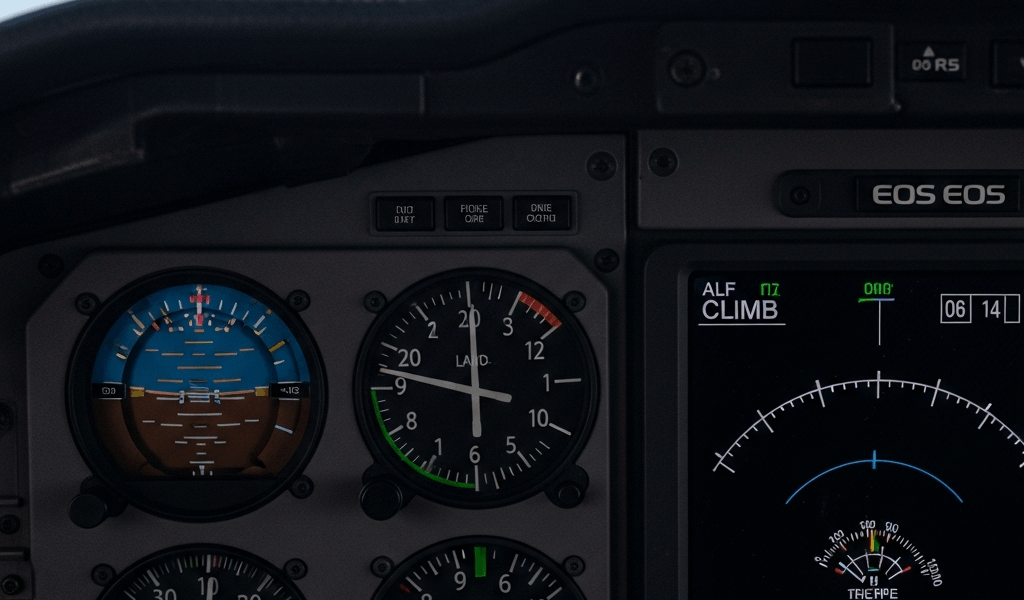
What Vertical Speed Indicator Lag Actually Is
Vertical speed indicator lag has gotten complicated with all the conflicting information pilots trade around the hangar. I’ve spent enough time staring at six-pack instrument panels to know the difference between a VSI that’s doing its job and one that’s actively lying to you. Here’s the thing—some lag is intentional. It’s called damping, and it exists so you don’t get whipsawed by tiny pressure fluctuations every time you hit a thermal or a gust.
Acceptable VSI lag hovers around 6 to 9 seconds. That’s the design specification built into most mechanical instruments. Your needle should respond to a genuine climb or descent within that window without needle flutter or oscillation. When I say “lag,” I’m describing the time delay between when your aircraft actually changes altitude and when the VSI needle reacts to it. Simple as that.
But what is unacceptable lag? In essence, it’s anything stretching beyond 12 to 15 seconds. But it’s much more than that. At that point, you’re not reading damping anymore. You’re reading instrument failure. A VSI showing a 500 fpm climb three seconds after you’ve actually entered the climb? Acceptable. One that takes twelve seconds to register the same climb — that’s a mechanical or pneumatic integrity issue, and it directly compromises your ability to assess climb performance during critical phases.
Probably should have opened with this section, honestly. Understanding acceptable parameters prevents unnecessary groundings and prevents you from missing real failures. The distinction matters because grounding an aircraft for normal damping behavior costs money and frustration.
Why VSI Response Gets Slow During Climb
Climb phase specifically taxes the VSI system harder than level flight or descent. You’re creating a sustained pressure differential that works against the instrument’s internal mechanisms continuously. The diaphragm inside your VSI flexes constantly, pneumatic lines experience sustained pressure stress, and any existing weakness in the system gets exposed under that load.
Clogged static ports — that’s the primary culprit. Your static system feeds ambient pressure to the VSI, and if that port is blocked by ice, dirt, insect nests, or manufacturing residue, the instrument receives stale pressure data. During climb, when pressure drops rapidly, a blocked static line can’t update fast enough. I once found a VSI lag issue traced back to a spider web in a static port at 3,500 feet AGL. Removed the blockage, lag vanished completely.
Compromised pneumatic lines come next on the problem list. Cracks, pinhole leaks, or loose fittings in the tubing that connects static systems to the VSI create slow pressure equalization. During climb, when pressure differential is greatest, those leaks become more pronounced. A hairline crack you might not notice during ground checks becomes obvious when you’re climbing through 2,000 feet per minute.
Internal diaphragm wear deteriorates response time directly. The flexible membrane inside your VSI expands and contracts thousands of times during normal operation. After years of service — especially in aircraft that fly regularly — material fatigue reduces elasticity. The diaphragm moves slower, the needle responds slower, and your lag increases incrementally until it hits unacceptable levels.
Moisture inside the instrument case creates a secondary dampening effect beyond design specification. Water vapor condenses on internal components, adds friction, and slows mechanical movement. This problem worsens during climb because altitude gain exposes the instrument to greater temperature and pressure swings, accelerating condensation cycles.
Electronic VSIs using air data computers respond differently from mechanical instruments. They compute vertical speed from altimeter rate of change and have programmable damping characteristics. Lag in glass cockpit systems usually indicates software calibration drift or sensor failure — like faulty pitot or static inputs — rather than mechanical wear. Flying with integrated avionics? VSI lag often appears alongside other instrument anomalies. Your primary concern becomes the data source, not the display itself.
Pre-Flight Checks to Catch VSI Lag Early
The 500 fpm climb test is your baseline diagnostic. On the ground, power up your aircraft and establish a stable climb at approximately 500 feet per minute. Hold that rate steady. Watch your VSI needle. It should settle within 6 to 9 seconds and track the actual climb rate without oscillation or hesitation.
Red flags appear immediately. The needle takes 12 seconds to reach 500 fpm indication. It wavers between 300 and 700 fpm while you maintain steady inputs. It lags visibly behind your altimeter trend. These are failure signals worth investigating before flight.
Static port inspection comes next. Visually examine every static port opening on your aircraft — most single-engine aircraft have ports on the fuselage near the instrument panel. Look for obvious blockages: dirt, debris, dried mud, insect material. Tap the port gently with a pencil eraser. Debris should dislodge easily. If it doesn’t, your static source is compromised.
Trace the static line from the port to the VSI. Check for visible cracks, pinhole leaks, or loose compression fittings. A loose fitting at a VSI connection point will cause lag because the static pressure signal bleeds away instead of feeding the instrument. Tighten any loose connections with appropriate wrenches, but don’t over-torque — you’ll crack the brass fittings.
Perform an instrument cross-check specifically focused on VSI consistency. Compare the VSI needle against your altimeter needle trend and your attitude indicator. During a steady climb, your altimeter should be unwinding at a consistent rate, your attitude indicator should show a steady pitch angle, and your VSI should show a steady climb rate. Misalignment between these instruments suggests VSI failure. If your altimeter unwinds quickly but your VSI shows minimal climb rate, you’ve found your problem.
Listen carefully for hissing or unusual sounds near the static system during this check. Air leaking from a pressurized line makes a distinctive whistle. Moisture in the line sometimes creates a subtle crackling. These sounds pinpoint system compromise.
In-Flight Recovery and Workarounds
You discover VSI lag at 2,000 feet during climb. Your needle is sluggish. What happens next depends on severity and available alternatives.
Cross-reference everything first. Check your altimeter trend — is it unwinding at the expected rate? Check your attitude indicator — does it match your control inputs? Cross-check your airspeed and engine performance against your climb performance expectations. If altimeter, airspeed, and attitude all match your intended climb profile, the VSI is likely the only failed instrument. You can continue flight using these alternatives for climb reference.
Have a glass cockpit or electronic backup VSI? Compare the two displays. Mechanical VSI showing lag while electronic VSI shows normal response — your mechanical instrument has failed. Use the electronic version as primary. Electronic backup failing to show climb rate while mechanical VSI responds normally — your data source (pitot-static system) has the problem, not the mechanical display. Both will be compromised.
For continued flight with known VSI lag, rely on attitude flying. Establish a pitch attitude that consistently produces your target climb rate — this varies by aircraft and weight, but you know what your particular aircraft does at a particular power setting and weight. Maintain that attitude. Cross-check altimeter and airspeed every 30 seconds. Your climb rate becomes a derived parameter rather than direct instrument reading, but it works if lag doesn’t exceed 20 seconds.
If VSI lag is accompanied by erratic needle movement, wide oscillations, or complete unresponsiveness — that’s instrument failure. Ground the aircraft immediately upon landing. Don’t continue the flight.
When to Ground the Aircraft for VSI Repair
FAA Part 91 regulations require that instruments necessary for safe flight be functional and accurate. VSI isn’t specifically listed as required equipment for VFR day flight in single-engine aircraft, but if you’re flying IFR or at night, VSI is required. A VSI with unacceptable lag is essentially non-functional for instrument flying.
Ground the aircraft if lag exceeds 15 seconds consistently. If your cross-checks reveal that the VSI is not tracking altimeter trend or attitude changes. If the needle is stuck or makes no response to pitch changes. If you suspect moisture or internal contamination — cracks in the instrument casing, visible corrosion on internal components, or fogging inside the glass.
Repair timelines run 2 to 4 weeks for mechanical VSI overhaul through most avionics shops. Replacement cost ranges from $400 to $800 for exchange units, plus installation labor ($200–$400). Electronic VSI integrated into a glass cockpit system? Repair involves software recalibration ($150–$300) or sensor replacement ($500–$1,500) depending on root cause.
Until repair is complete, restrict flight operations based on your equipment requirements. VFR day flight without VSI is permissible under Part 91. IFR flight without VSI is not — you must either repair the instrument or cancel IFR operations.
The climb safety implication matters most. Accurate climb performance assessment prevents fuel exhaustion during high-altitude operations, ensures you maintain safe climb rates in terrain, and confirms your aircraft is performing normally. A lagging VSI masks early signs of engine degradation or aerodynamic issues — problems that show up first as reduced climb rate. Get it fixed before it compounds into a larger problem.




Stay in the loop
Get the latest aviate ai updates delivered to your inbox.